Return Home
Quick Links
Welcome Packet
Internet
Insurance
Property
Documents
Trash & Recycling
Pet Etiquette
Community
Board of Directors
Photo Gallery
Paint Colors
Contact
Property Management
Realtor Info
Door Security
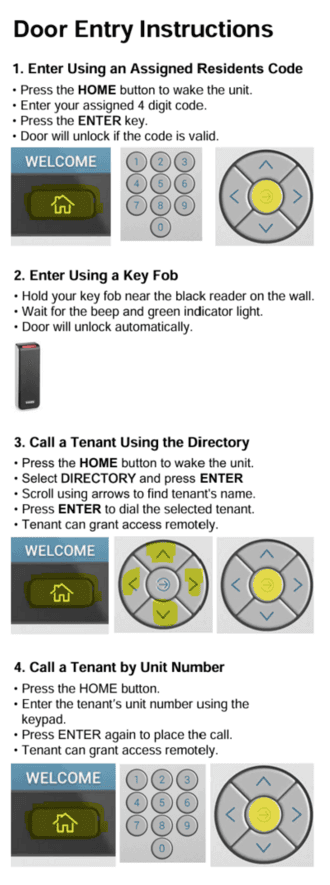
Door Entry Instructions
Enter Using an Assigned Residents Code
Press the HOME button to wake the unit.
Enter your assigned 4 digit code.
Press the ENTER key.
Door will unlock if the code is valid.
Enter Using a Key Fob
Hold your key fob near the black reader on the wall.
Wait for the beep and green indicator light.
Door will unlock automatically
Call a Tenant Using the Directory
Select DIRECTORY and press ENTER
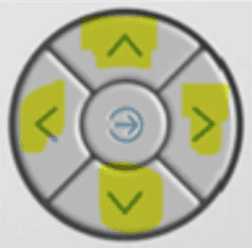
Scroll using arrows to find tenant's name.
Press ENTER to dial the selected tenant.
Tenant can grant access remotely.
.
Call a tenant by Unit Number
Press the HOME button
Enter the tenant's unit number using the keypad.
Press ENTER again to place the call.
Tenant can grant access remotely